Medication scheduling
Add your medications and set precise daily reminder times for each one. Never miss a dose with timely, reliable local notifications.
Stay on schedule with your health routine. Medication and blood pressure reminders that build a consistent daily health routine — delivered as reliable local notifications with zero data collection and zero cloud. No account required.
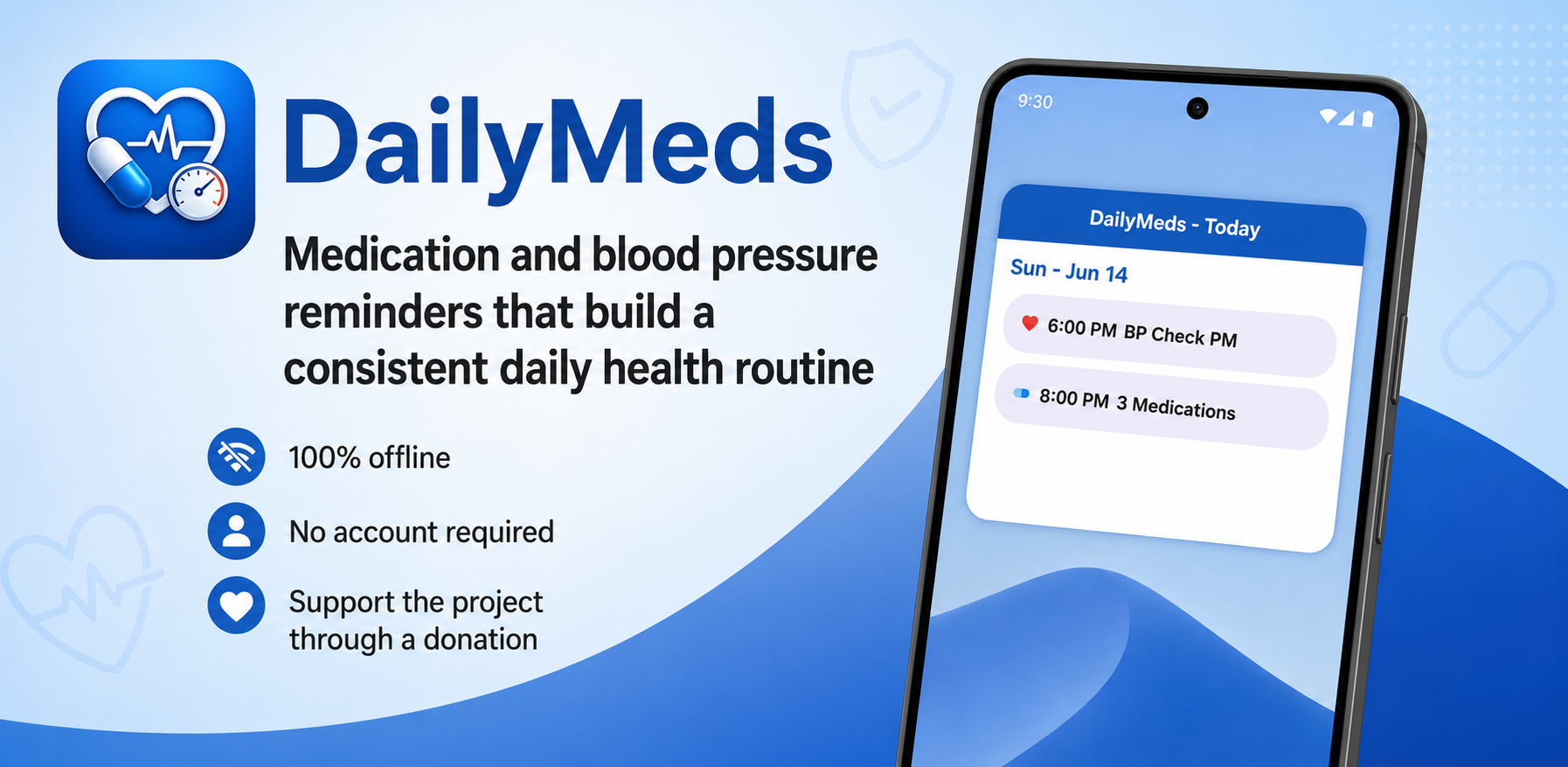
Reliable reminders for your daily health routine — without sending a single byte to the cloud.
Add your medications and set precise daily reminder times for each one. Never miss a dose with timely, reliable local notifications.
Schedule reminders to check and log your blood pressure readings throughout the day, helping you maintain consistent monitoring habits.
Build a complete daily health schedule combining medications, vitals checks, and other health tasks into one clear, manageable routine.
All alerts are delivered as standard device notifications — no internet connection required. Alerts fire exactly when you schedule them.
Your health data and schedule never leave your device. No cloud sync, no accounts, no data collection — your health information stays private.
Straightforward, transparent pricing. No recurring fees or locked features — just a simple tool that does what it says.
DailyMeds is a mobile scheduling app for Android that helps you manage daily medication reminders and blood pressure check alerts. It is designed to make maintaining a consistent health routine easy and reliable.
No. All data — your medication schedule, alert times, and any health notes — is stored exclusively on your device. Nothing is uploaded, transmitted, or shared.
No. DailyMeds works entirely offline. Notifications are delivered as local device alerts and require no network connection.
Yes. Each medication or health alert can have its own name, schedule, and reminder time, giving you full control over your daily routine.
Minimum version requirements will be listed on the Google Play page at launch.
Contact the developer using the email listed on the Google Play app page, or use the contact information in the Privacy Policy.