
Live retirement counter
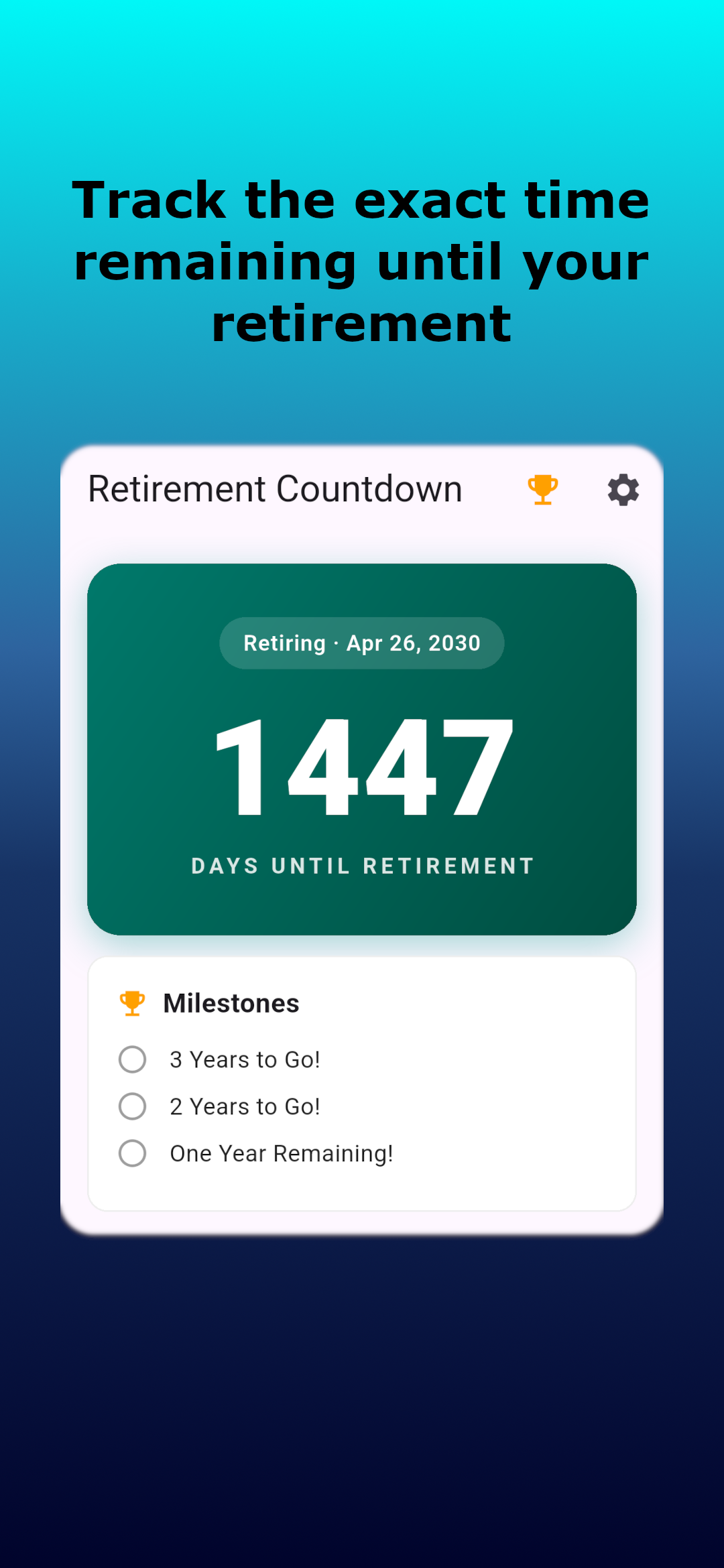
Track the exact time remaining until your retirement date in years, months, and days, presented in a clean, high-contrast interface.
Know exactly how much time is left. A focused, privacy-first dashboard that turns your retirement date into a live plan — real-time timers, milestones, home screen widgets, and motivating quotes. Everything stays on your device.
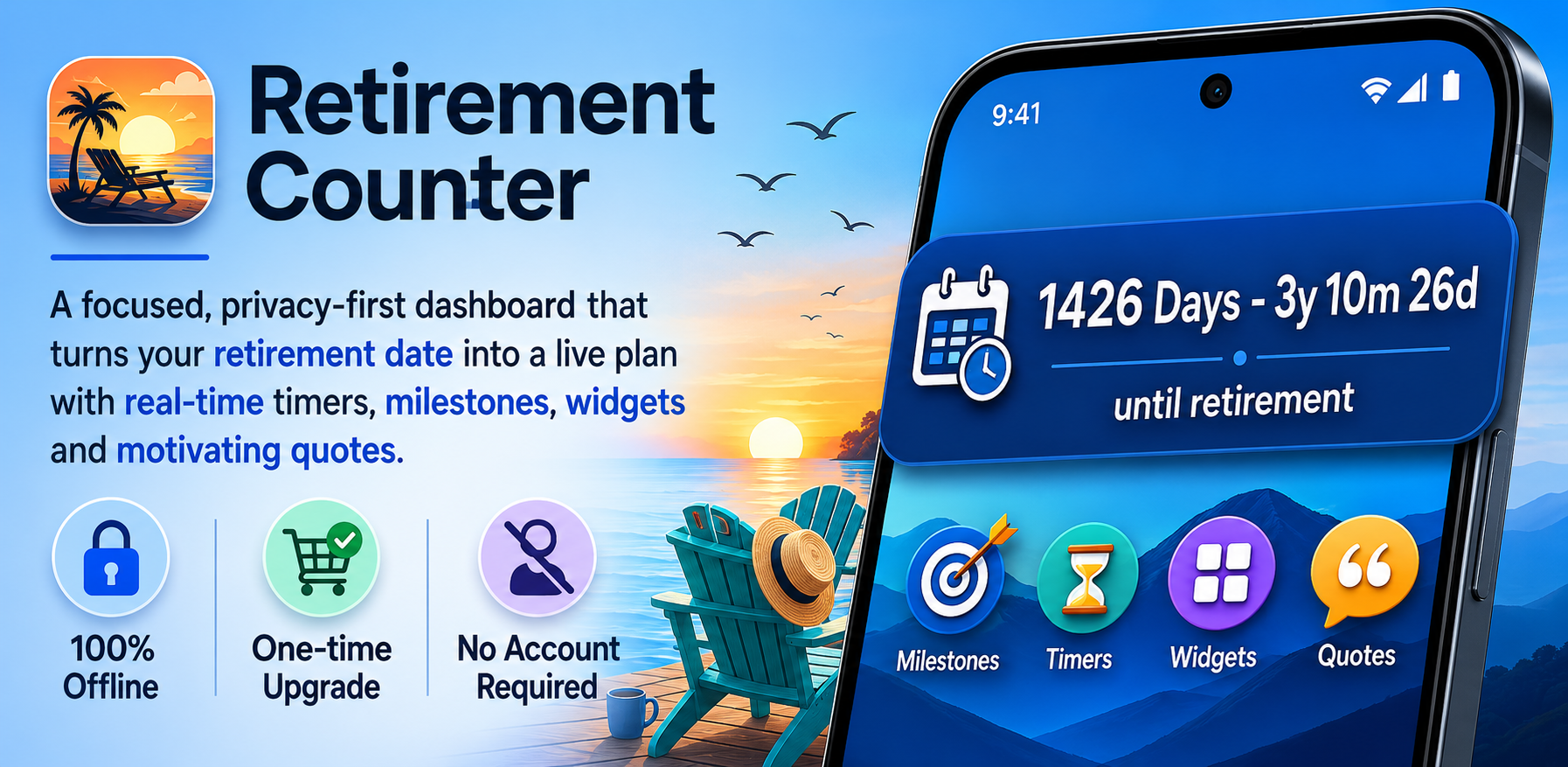
Everything you need to track the time remaining — and nothing you don't.
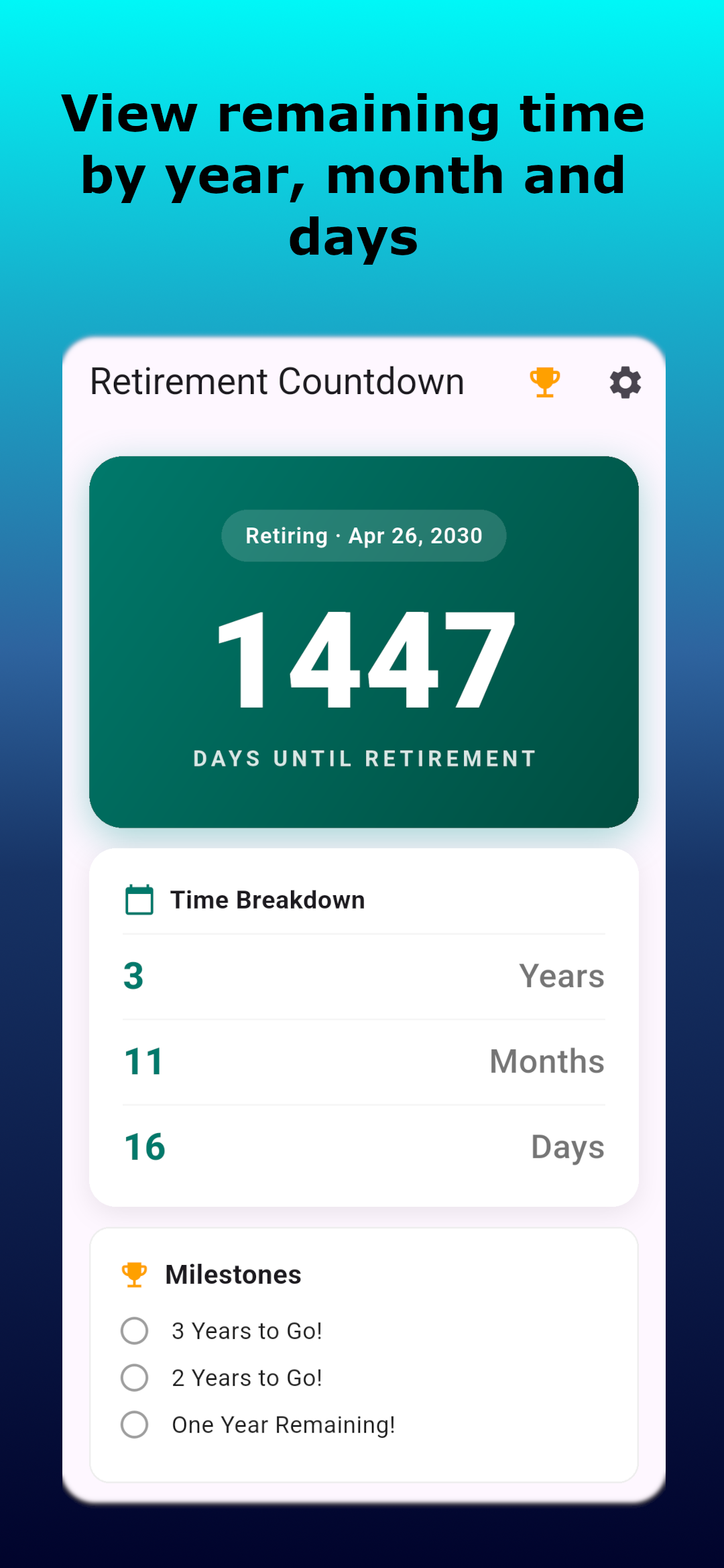
Track the exact time remaining until your retirement date in years, months, and days, presented in a clean, high-contrast interface.
View remaining time by year, month, and day to help with budgeting, career decisions, and transition planning.
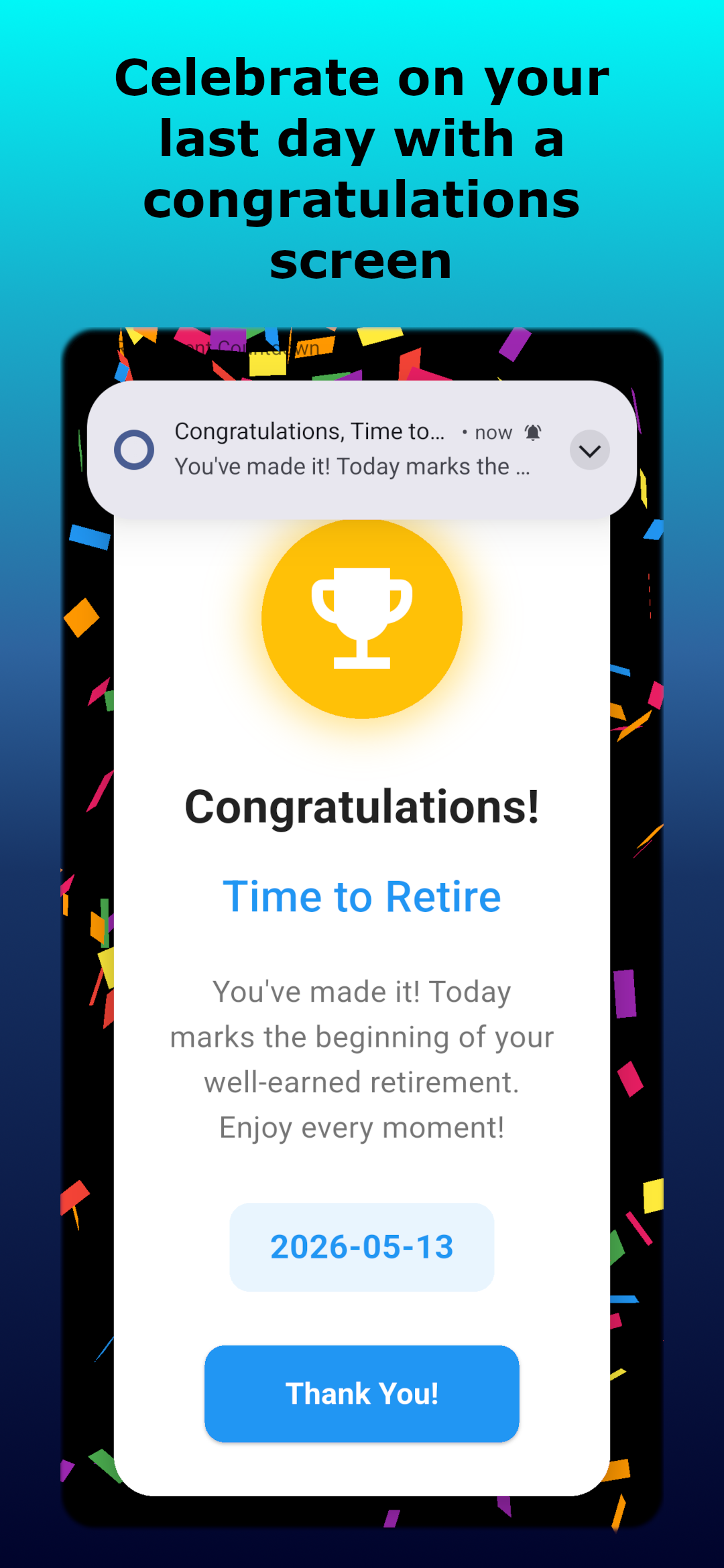
Highlight key milestones — annual, monthly, weekly, and daily — so you can celebrate progress instead of just waiting for the finish line.
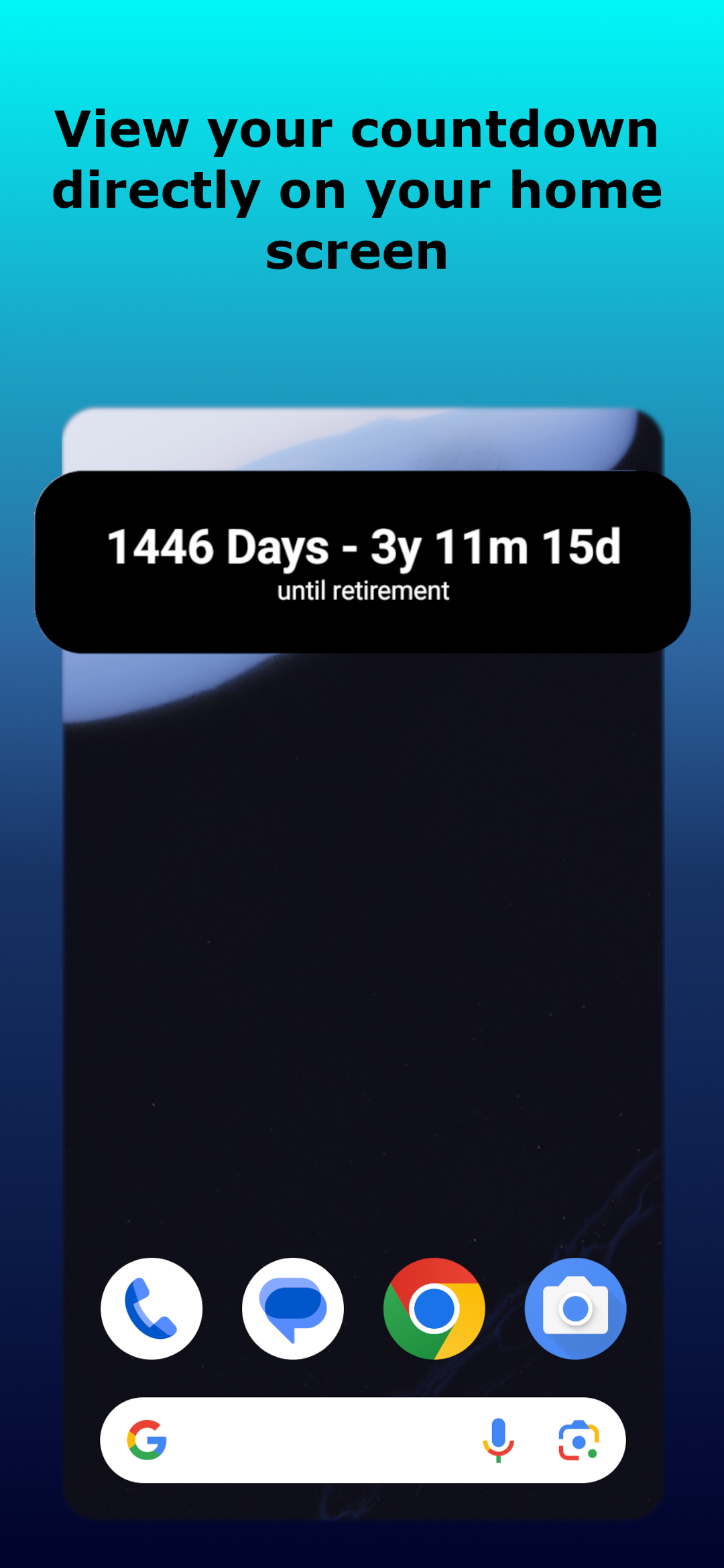
Keep an at-a-glance view of your countdown directly on your home screen with automatic updates.
See Retirement Counter in action across screens and widget sizes.
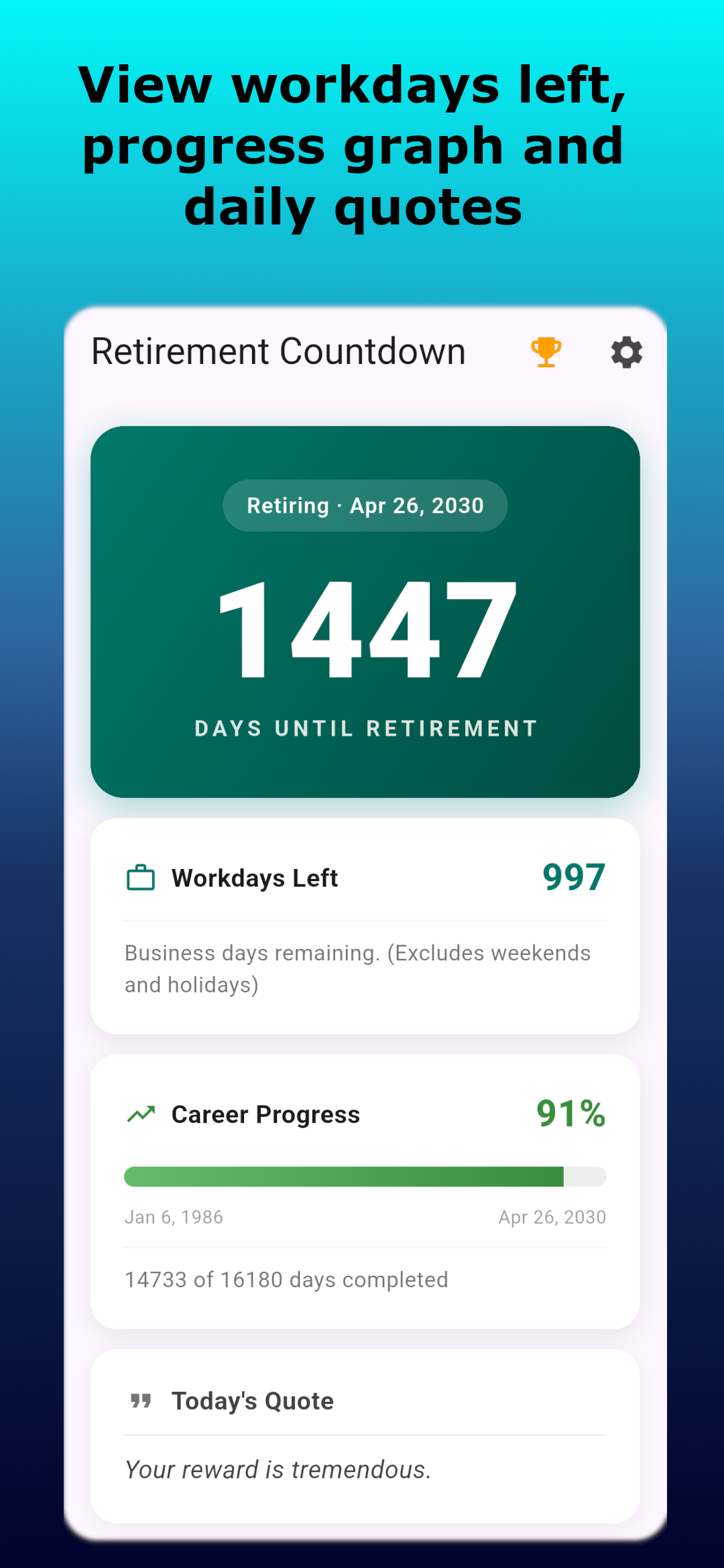
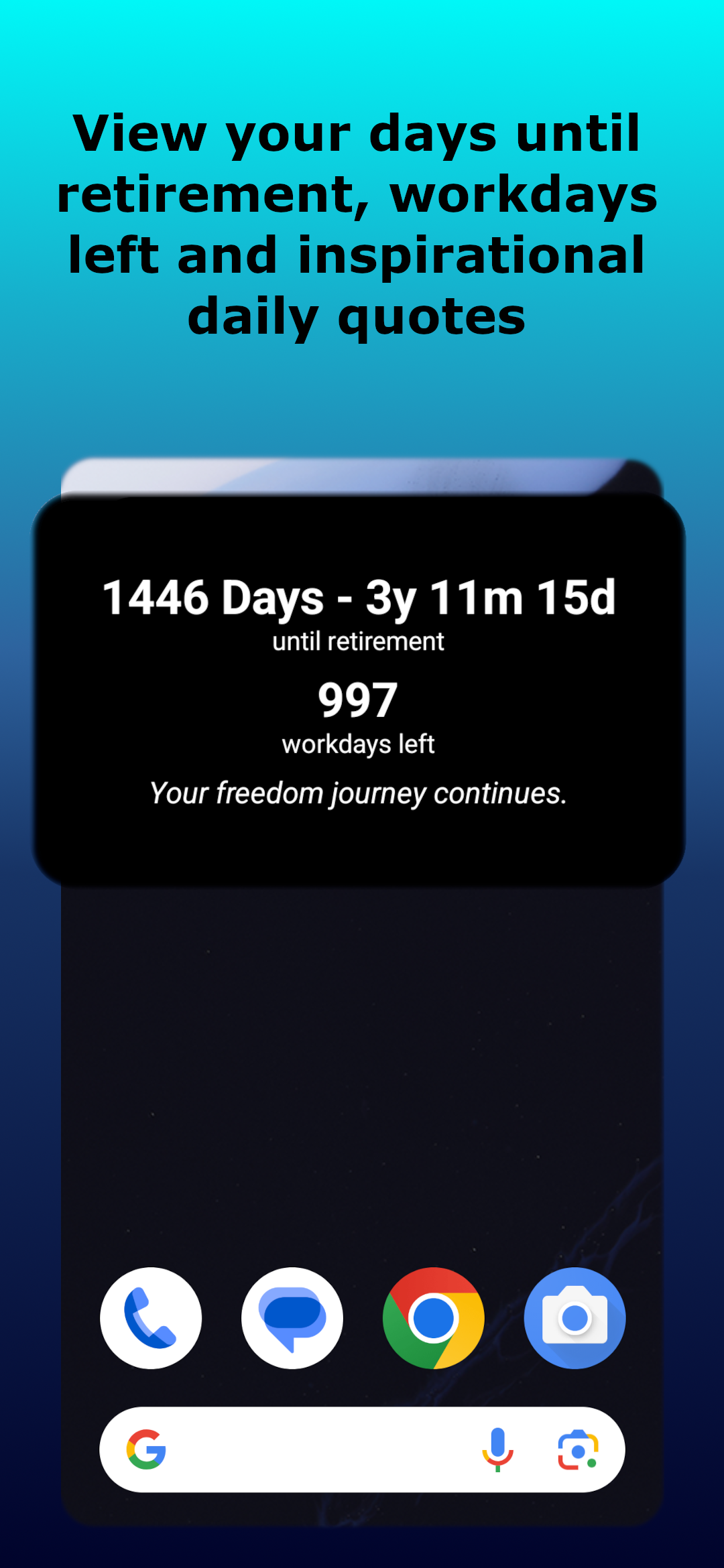
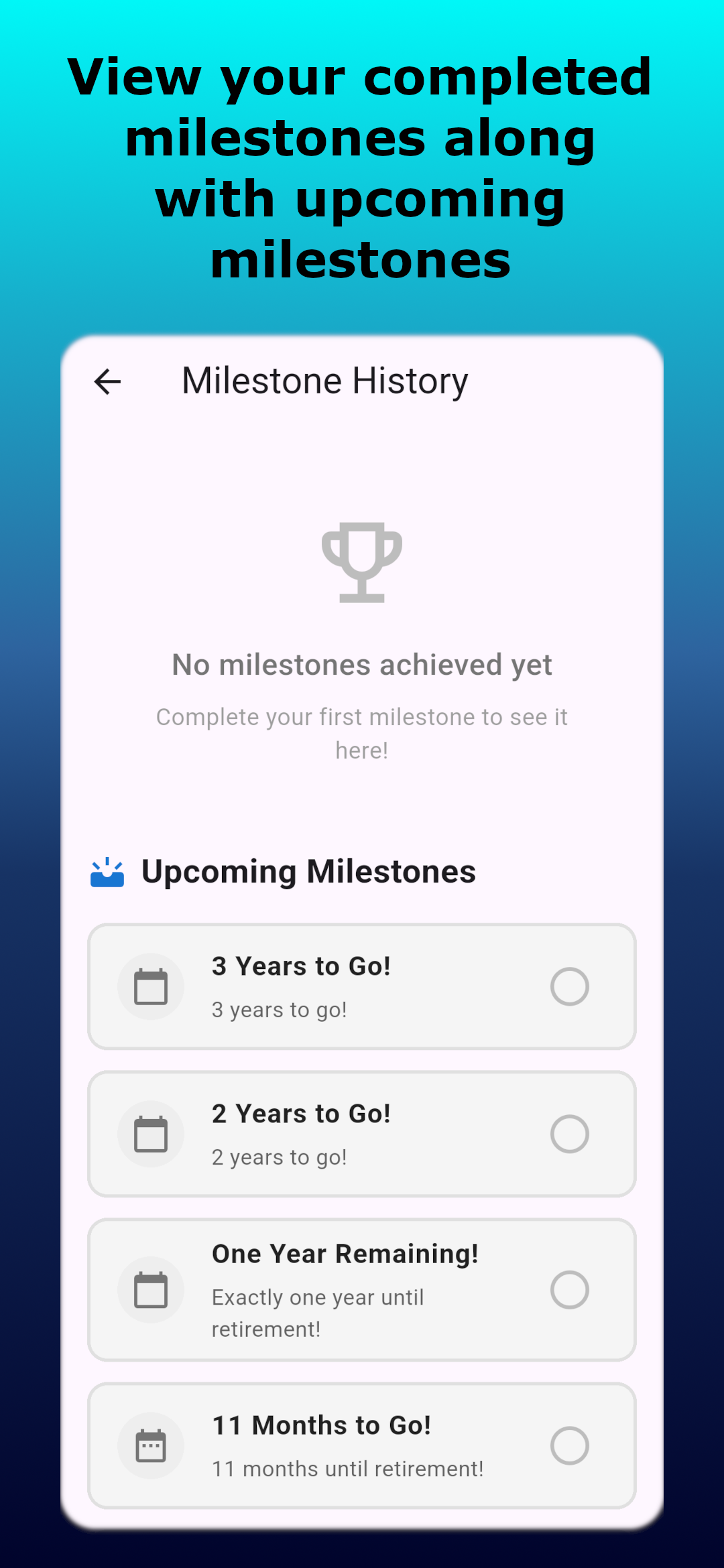
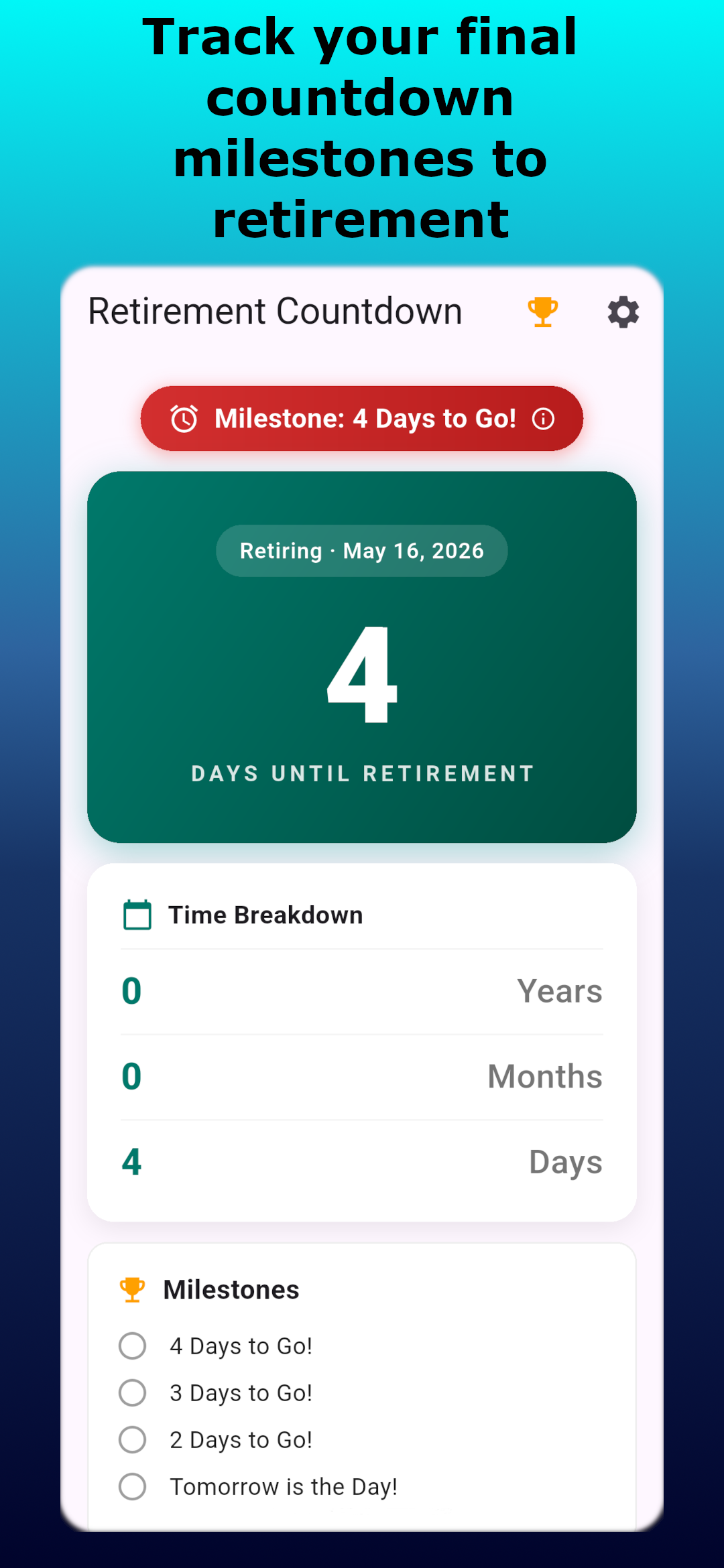
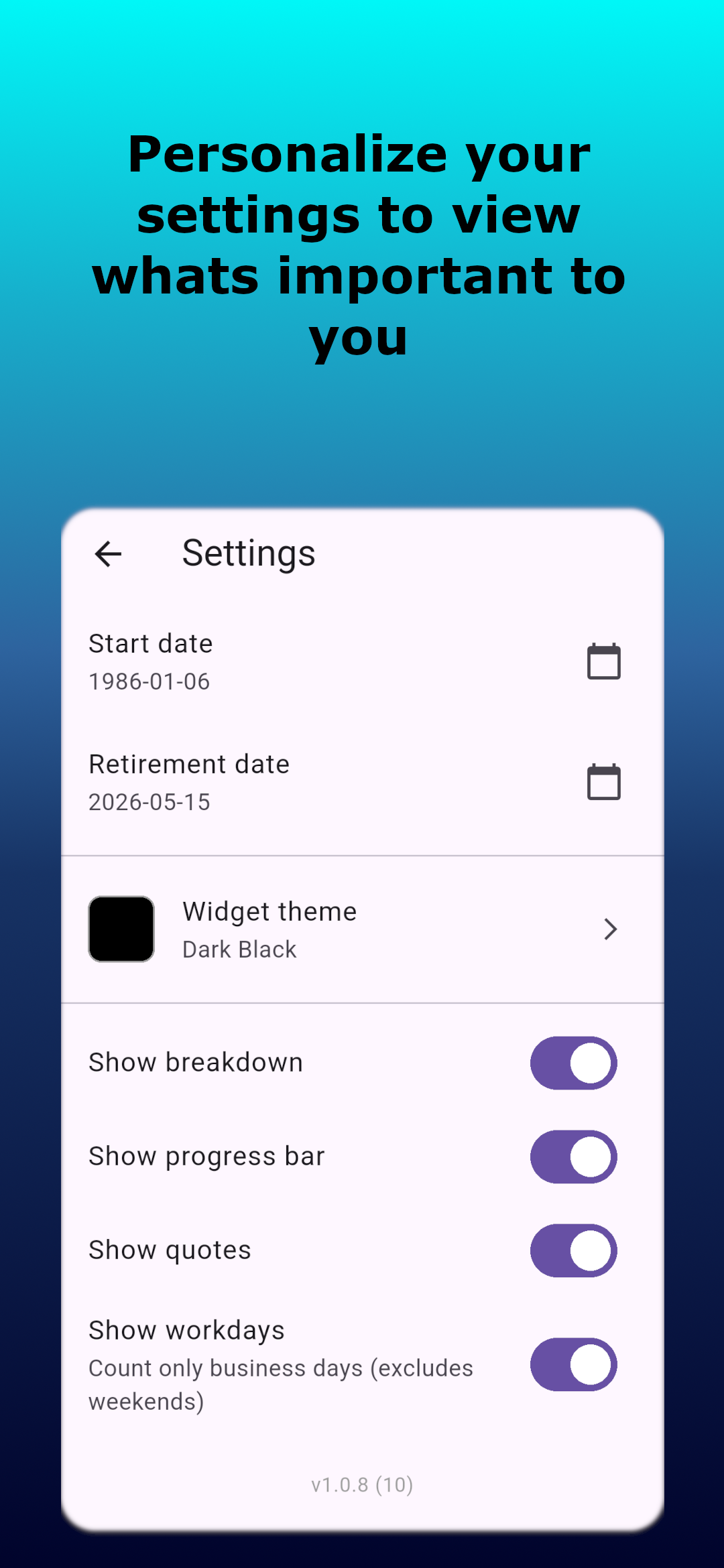
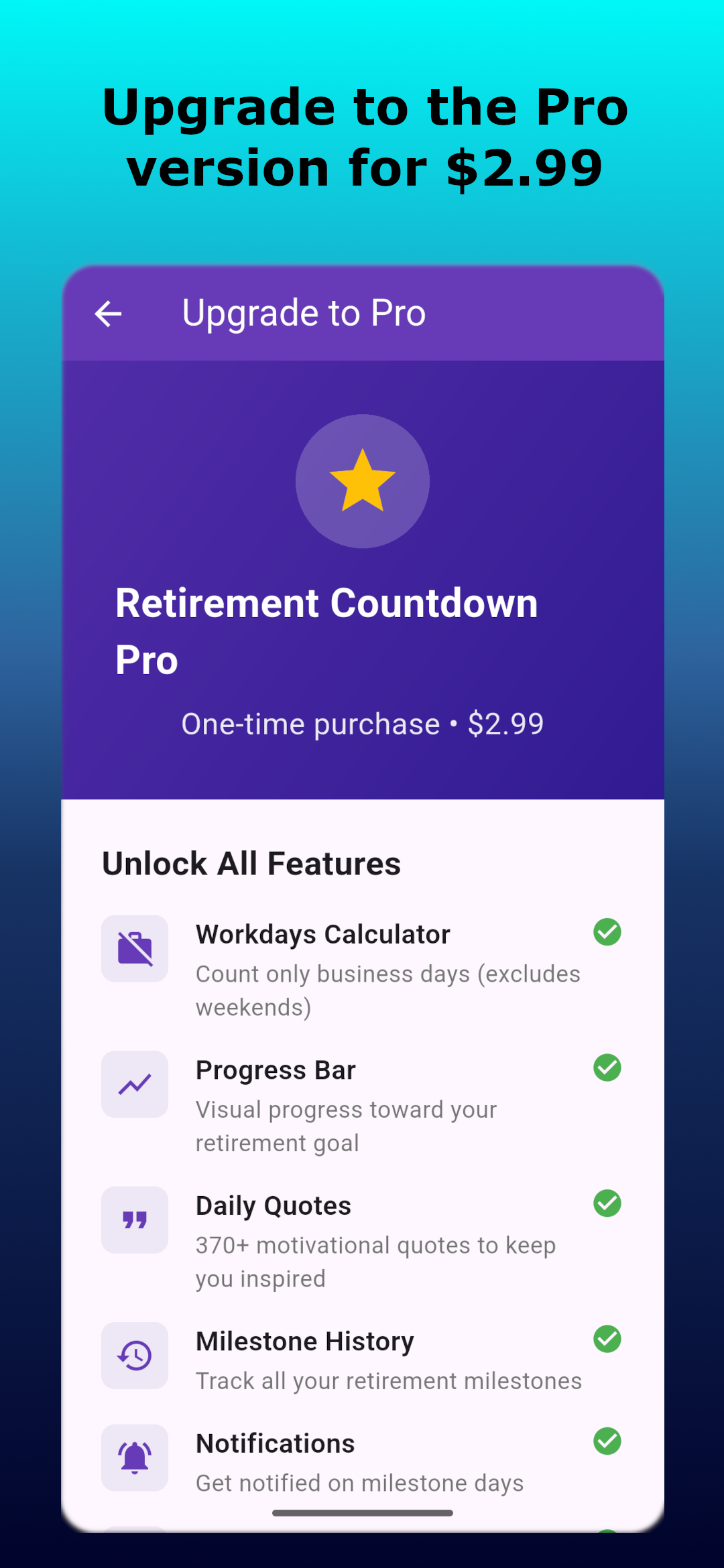
Upgrade once to unlock additional tools designed for detailed retirement planning.
Compute remaining business days (excluding weekends) so you can plan projects, handoffs, and staffing with realistic timelines.
Visualize how much of your career is behind you versus ahead with a simple, data-driven progress bar.
Review past milestones and important dates to see how your plan has evolved over time.
Enable optional, local notifications for key milestones so you never miss an important date.
Retirement Counter displays the time remaining to your selected retirement date in years, months, and days. It also offers milestone tracking, professional tools, and a glanceable home screen widget.
The countdown is computed from the retirement date you set. It reports remaining time in years, months, and days for a clear planning view (it does not focus on seconds or sub-minute precision).
Yes. All countdown data and preferences are stored locally on your device. No account is required and the app does not transmit personal data by default.
Core countdown functionality is free. A one-time Pro upgrade (listed in the app) unlocks the workdays calculator, career progress view, milestone history, and notifications.
Retirement Counter is available as a mobile app. Check your device's app store for availability and platform-specific details.
Retirement Counter is available on the Google Play Store. Tap the Google Play button below (or at the top of this page) to open the app listing, then tap Install on your Android device to download it for free.
GET IT ON Google Play Download Retirement Counter, the retirement countdown app with home screen widget, from the Google Play Store Download Retirement Counter - retirement countdown app with home screen widget on Google Play
Yes! The core countdown functionality is completely free to download and use. A one-time Pro upgrade (available in the app) unlocks the workdays calculator, career progress view, milestone history, and configuration options.
For questions or to report issues, please contact the developer using the support details in the Google Play store listing, or email 805mobileapps@gmail.com.