Per-widget album selection
Each widget on your home screen has its own configuration — choose a different album and rotation interval for every widget you create.
Your photos, beautifully displayed on your home screen. A fully offline Android widget that rotates through photos from your local albums — with multiple rotation modes, per-widget settings, and a tap-to-open timeline. No network permission. No cloud. No exceptions.
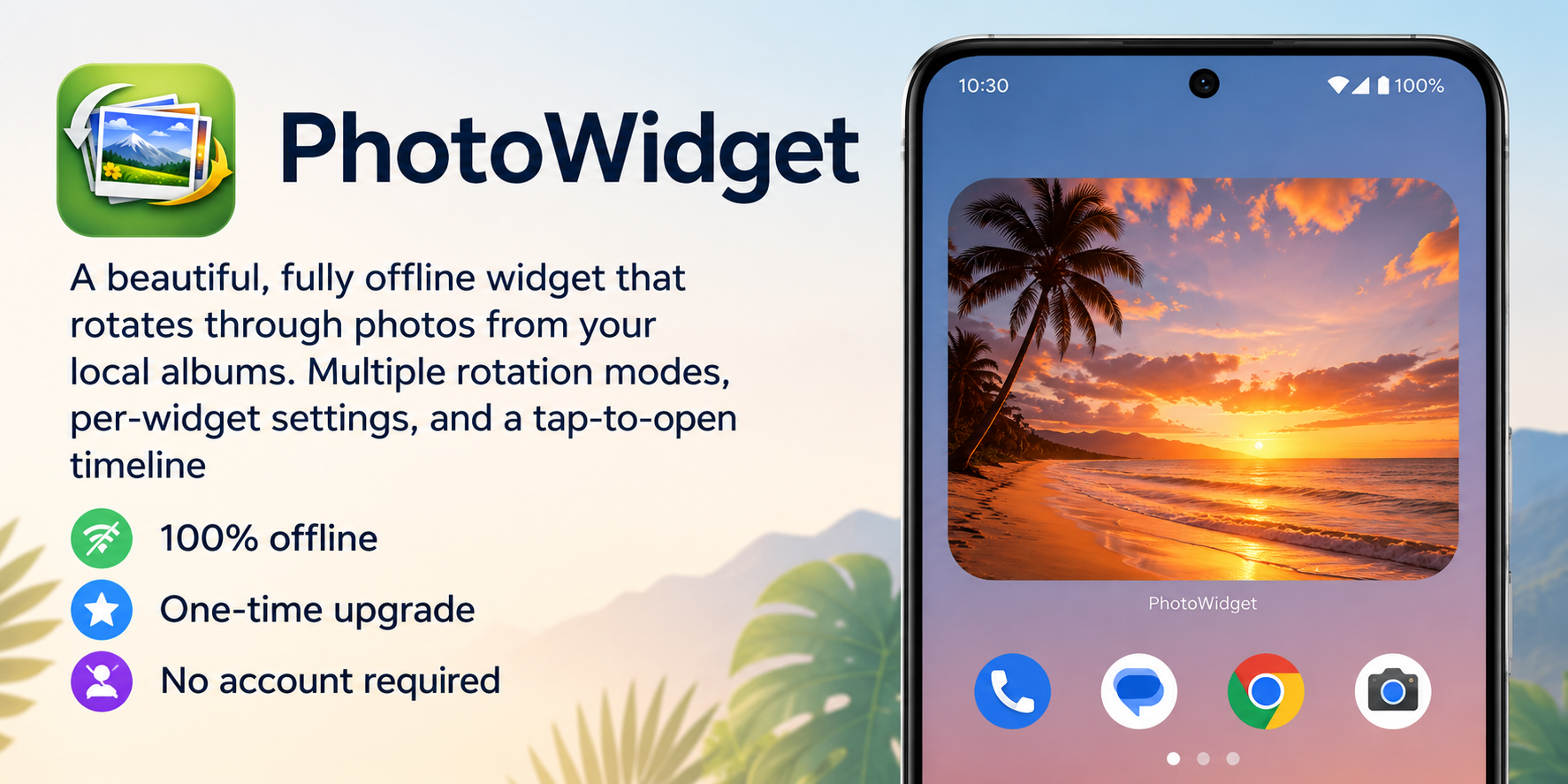
A photo widget that respects your library — and your privacy.
Each widget on your home screen has its own configuration — choose a different album and rotation interval for every widget you create.
Set how often your widget photo changes, from every 5 minutes up to once daily. Best-effort scheduling works around Android's background restrictions.
Choose between Strict Random (balanced shuffle with recent-photo avoidance), Pictures This Month (rotates through every photo in your album taken during the current calendar month, across any year), or Sequential (by date) (a steady, chronological walk through your album).
Tap any widget to open the app to a timeline centered on the displayed photo. Swipe left or right to navigate through the rest of the album.
All photo processing happens on-device using Android's MediaStore API. No photos or metadata are ever uploaded or shared externally.
Designed to perform well even with 10,000+ photos in a library, using efficient background scheduling and smart caching.
PhotoWidget offers three selection modes per widget:
Picks uniformly at random from your album, avoiding recently shown photos so you get fresh picks every rotation.
Rotates through every photo in your album whose capture date falls in the current calendar month — pulled from any year. If you're in June, you'll see all of your June photos: 2019, 2021, 2024, and so on, cycling through them. When no photos exist for the current month, the widget falls back to the full album.
Walks through your album in chronological order, advancing one photo per widget refresh. Predictable, story-like playback — perfect for revisiting a trip or a baby's first year from start to finish.
PhotoWidget targets modern Android versions that support WorkManager-based widget scheduling. Minimum version details will be listed on the Google Play page at launch.
Android can throttle background work under Doze mode and battery restrictions. PhotoWidget uses best-effort scheduling — your widget will update as soon as the OS allows. For the freshest results, opening the app directly triggers an immediate refresh.
Yes — each widget you add to your home screen has its own independent album selection, rotation interval, and display mode.
No. PhotoWidget is fully offline. It reads from Android's MediaStore (your local photos) and all processing stays on your device. No network permission is requested.
The app collects every photo in your selected album whose capture date falls within the current calendar month — pulling from any year on record. The widget then cycles through that pool one photo at a time. For example, in June you'll see all of your June photos from every year, shuffled and repeated until the pool is exhausted or the month changes. If no photos exist for the current month, the widget falls back to the full album.
Photos are sorted by capture date, and the widget advances through them in order — one step forward per refresh. When the end of the album is reached, playback wraps back to the oldest photo. Rotation interval controls how quickly you move through the album.